
How to Commission a Motor in Motion Terminal: Step by Step
Introduction
Most first-setup problems trace back to a skipped commissioning step. A motor that buzzes, drifts, or trips a fault on the first run almost always has a wrong pole count, an uncalibrated sensor, or a feedback wire in the wrong place. None of that is a hardware failure. It is a step done out of order.
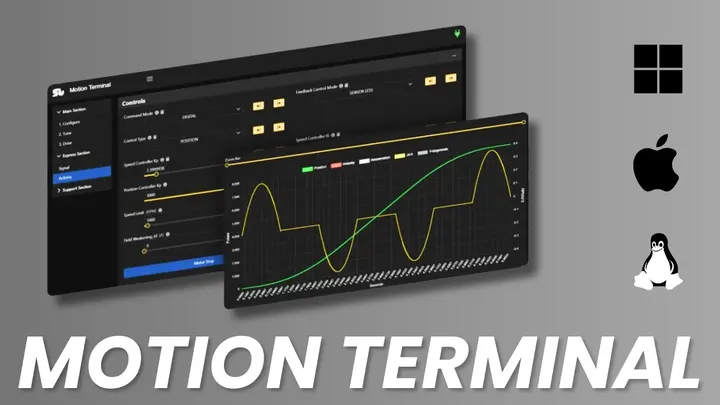
This guide walks you through motor commissioning in SOLO Motion Terminal in six steps: connect, set the motor type, identify the motor, calibrate feedback, run the first closed-loop spin, then tune the loops. Do them in order and your motor should turn under control on the first real attempt. By the end you will have a working closed-loop setup you can build on.
Before You Start
Commissioning goes faster when the hardware is ready before you open the software. Check three things first.
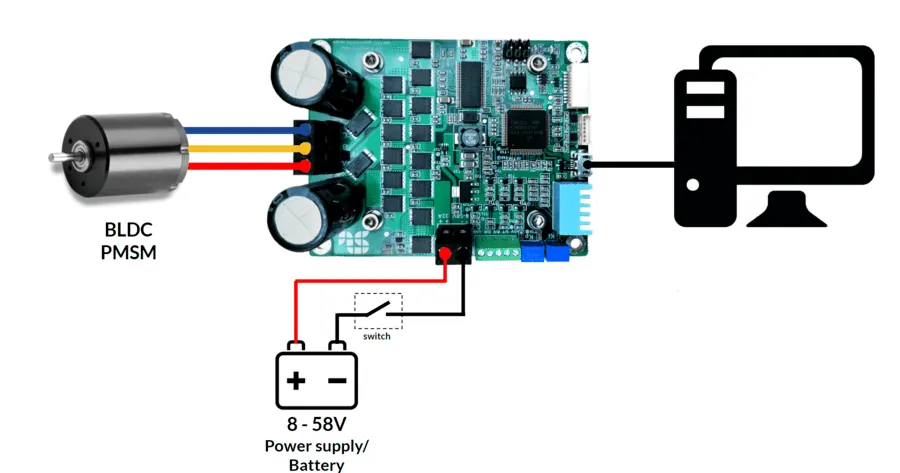
- Wiring: connect the three motor phases to the controller, and wire the feedback device if you use one. Keep the encoder or hall cable away from the power leads to limit noise.
- Power: confirm the bus voltage matches your motor and controller rating, with the supply current-limited for the first run. A bench supply with an adjustable limit protects you while you test.
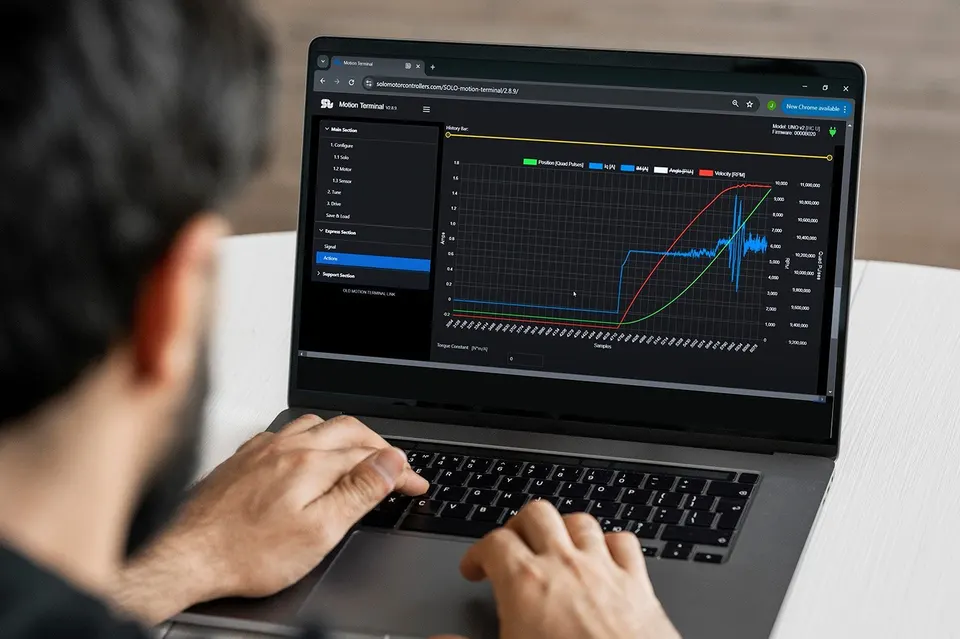
- Software: install SOLO Motion Terminal and the USB driver, then power the controller before you connect.
If this is your first time with the tool, our walkthrough on how to set up and tune motors using SOLO Motion Terminal covers the interface in more depth. Keep the motor datasheet open too. You will need the pole count, rated voltage, and current.
Takeaway: ready wiring, a current-limited supply, and the installed app remove most of the surprises later.
Step 1: Connect to Motion Terminal
Power the controller, then plug it into your computer over USB. Open Motion Terminal, pick the right COM port, set the baud rate to match the controller, and connect. When the link is up, the app reads the controller and shows its live values.
If the port does not appear, check the cable and the USB driver first. A controller that powers up but never enumerates is usually a driver or cable issue, not a board fault. Once connected, you should see live current, voltage, and speed update on screen. That confirms the communication link before you touch any motor setting.
Takeaway: a stable connection with live values is the gate to every step that follows.
Step 2: Set Motor Type and Number of Poles
Tell the controller what it is driving. Select the motor type, DC, BLDC, PMSM, or AC induction, then enter the number of poles for the brushless and PMSM types. The control algorithm uses both to interpret the feedback and switch the phases correctly.
The pole count is the value people most often get wrong. Datasheets list pole pairs or magnet poles, and mixing the two doubles or halves your electrical speed. If the motor spins at the wrong rate or refuses to commutate, the pole number is the first thing to recheck. Read the value from the motor datasheet, and count magnet poles rather than slots if you are unsure.
Takeaway: correct motor type and pole count are the foundation; a wrong pole number breaks every later step.
Step 3: Run Automatic Motor Identification (R, L, Kt)
You can now let the controller learn the motor instead of typing values by hand. Run automatic motor identification. The controller injects test signals and measures the stator resistance (R), the inductance (L), and the torque constant (Kt). These parameters set the current loop gains and the field-oriented control model.
Keep the motor free to move, or held safely, during identification, because some routines apply a small current or rotation. Identification takes a few seconds. When it finishes, the measured R, L, and Kt populate automatically, and they are far more accurate than datasheet typicals, which carry wide tolerances. Accurate parameters here make the later tuning step much shorter.
Takeaway: automatic identification gives you real R, L, and Kt values, so the control loops start from solid numbers.
Step 4: Calibrate Feedback (Encoder or Hall)
If you run closed loop with a sensor, the controller has to learn how the feedback device aligns with the rotor. This is the feedback calibration step, and it is where many first setups stall.
Pick the routine that matches your hardware.
- Incremental encoder: run the encoder calibration so the controller finds the electrical offset and counts per revolution. The steps are in our guide on how to connect and calibrate an incremental encoder with SOLO.
- Hall sensors: run the hall calibration to map the sensor states to the rotor position. See our guide on wiring hall sensors to SOLO for speed and torque control.
A failed or skipped calibration usually shows up as a motor that jerks, draws high current, or spins the wrong way. If that happens, recheck the wiring order and run the calibration again before you change anything else.
Takeaway: calibrated feedback aligns the sensor to the rotor, which is what makes a clean closed-loop spin possible.
Step 5: First Closed-Loop Spin
Now run the motor under control. Keep the supply current-limited, set a low speed reference, and start. With the parameters identified and the feedback calibrated, the motor should turn smoothly and follow the reference.
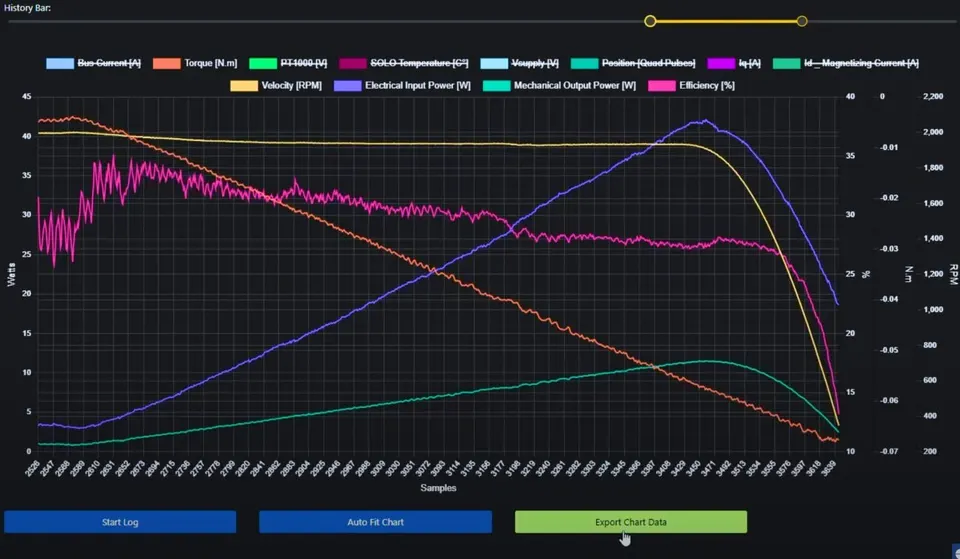
Watch the current draw while it spins. A healthy first spin pulls a modest, steady current at no load. High or oscillating current points back to an earlier step, usually pole count or feedback calibration. Try a small reverse reference too, to confirm the motor follows direction commands cleanly. If the spin looks and sounds steady in both directions, commissioning is essentially done.
Takeaway: a smooth, low-current first spin in both directions confirms the setup before you start tuning.
Step 6: Tune the Loops
The motor turns, but the response may not be sharp yet. Tuning sets how fast and how cleanly the motor follows a command. SOLO uses cascaded loops: a current loop inside a speed loop, and a position loop outside that when you control position.
Start from the values that identification and any auto-tuning produced, then adjust the Kp and Ki gains of the loop you care about. Raise the proportional gain for a faster response, and add integral gain to remove steady-state error, while you watch the live plot for overshoot. For the underlying method, our guide on PID tuning explains how proportional and integral terms shape the response. Tune one loop at a time, from the inner current loop outward, and change one gain at a time so you can see what each move does.
Takeaway: tune the cascaded loops from the inside out, one gain at a time, watching the live plot.
Common First-Setup Mistakes
A few mistakes account for most failed first runs. Scan this list before you blame the hardware.
| Symptom | Likely cause | Fix |
|---|---|---|
| Motor spins at wrong speed | Pole pairs entered as poles, or the reverse | Recheck pole count in Step 2 |
| Motor jerks or draws high current | Feedback uncalibrated or miswired | Rerun feedback calibration in Step 4 |
| Motor spins the wrong way | Phase or sensor order swapped | Swap two phases or recheck sensor wiring |
| No connection to the app | Wrong COM port, driver, or cable | Recheck Step 1, reinstall the USB driver |
| Identification fails | Motor not free to move, or wiring fault | Free the shaft, check phase wiring, retry |
Most of these trace back to a single wrong value rather than a broken board. When something fails, go back one step rather than changing many settings at once. Reading the live current and the fault state as you work usually tells you which step to revisit.
Takeaway: change one thing, retest, and step back through the order instead of guessing.
How SOLO Guides You Through Commissioning
SOLO Motion Terminal is built to support the full commissioning flow in one place, so you move from connect to first spin without juggling tools. It can handle automatic motor identification, feedback calibration, and loop tuning for DC, BLDC, PMSM, and AC induction motors, and the live plots help you see what each setting changes. The same app works across the SOLO controller range, so the steps in this guide carry over when you change boards. You can explore the workflow on the SOLO Motion Terminal page and try it with your own motor.
Conclusion
Commissioning a motor in Motion Terminal comes down to six steps in order: connect, set the motor type and poles, identify R, L, and Kt, calibrate the feedback, run the first closed-loop spin, then tune the loops. Most first-setup failures are a skipped or out-of-order step, not a hardware fault, so the order is the point. Run automatic identification and feedback calibration carefully, and the first spin usually goes smoothly. When something does not work, step back one stage and read the live values rather than changing many settings at once. To put this into practice, open the SOLO Motion Terminal and commission your motor step by step.
FAQ
Do I need to identify the motor every time?
No. Run automatic motor identification once per motor and the controller stores the R, L, and Kt values. You only need to repeat it if you change the motor, or if the wiring or controller changes in a way that affects the measurement. For day-to-day use, the saved parameters are enough.
What if the motor does not spin after setup?
Step back through the order. The most common causes are a wrong pole count, an uncalibrated or miswired feedback device, and a swapped phase or sensor order. Check the live current and the fault state, fix one thing, then retry. Going back one step at a time finds the issue faster than changing several settings together.
Should I start with encoder or sensorless feedback?
If you have an encoder or hall sensor wired, start with that, because calibrated sensor feedback gives you a clean low-speed spin and easier first tuning. Sensorless control is useful once the setup is proven, but it generally needs more care at low speed. For a first commissioning run, sensor feedback is the simpler path.
Related articles
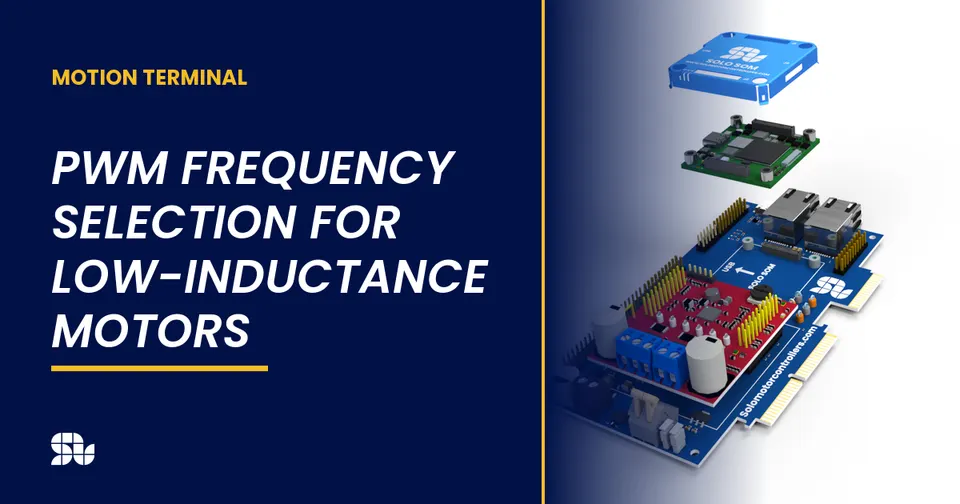
PWM Frequency Selection for Low-Inductance Motors
How to choose the PWM switching frequency on SOLO, why low-inductance motors need a higher frequency, and the trade-offs with heat and ripple.
Analog vs Digital Mode on SOLO: When to Use Which
Analog or digital command mode on SOLO? Compare analog inputs vs UART, USB and CAN control to pick the right command interface for your project.
Tuning Sensorless Injection (Amplitude and Frequency) on SOLO
How to tune the ZSFT injection amplitude and frequency on SOLO for stable, low-noise sensorless control at standstill and low speed. A Motion Terminal guide.
