
Reading SOLO Faults: Error Register and Troubleshooting
Introduction
About 8 in 10 “the controller is broken” tickets are not broken hardware. They are configuration faults: a wrong motor type, a miswired encoder, a current limit set too low. The board is fine. The setup is not. Good motor controller troubleshooting starts by telling those two cases apart, fast.
This guide shows you how to read the SOLO error register in Motion Terminal and fix the faults you will actually hit. You will learn what the register reports, how to map each error to a likely cause, and how to clear it safely once the root problem is gone.
The SOLO Error Register
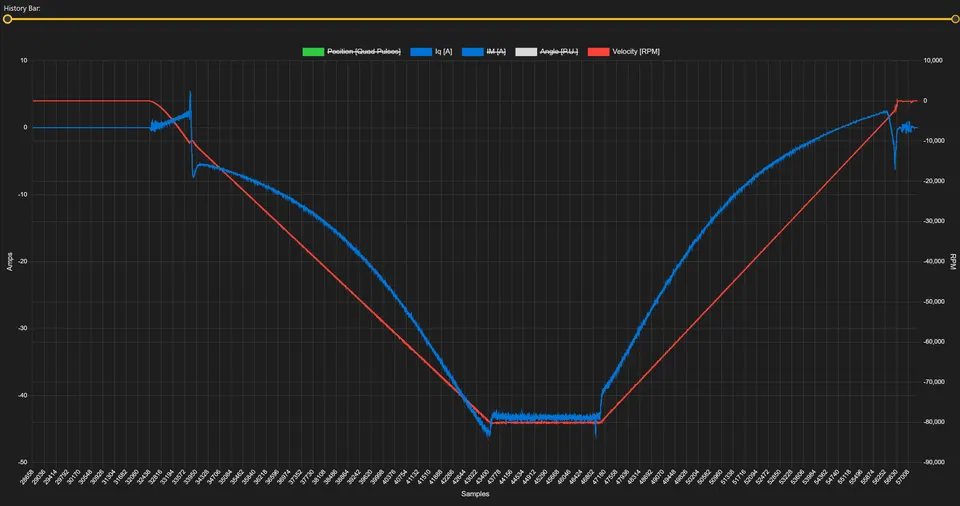
The error register is a single value inside the controller that records what went wrong. Each bit is one fault flag. When a protection trips or a check fails, the matching bit goes high and stays high until you read and clear it. So the register is a memory, not just a live light. It tells you what happened even if the motor already stopped.
In Motion Terminal, you do not decode bits by hand. The app polls the controller and refreshes the status roughly every 300 ms, then shows the active errors in plain text on the connection or status panel. That update rate is fast enough to catch a fault as it happens and slow enough to stay readable.
Read the register before you change anything. The first flag that went high is usually the real cause. The flags after it are often side effects. For example, an overcurrent trip can stop the motor, which then shows up as a following error too. Fix the first one and the rest often clear on their own.
Takeaway: the error register is the controller’s own account of the fault. Read it first, trust the first flag, then act.
Common Faults and How to Fix Them
Most tickets land in four groups. The table below maps each fault to its usual cause and the first fix to try. Use it as a quick lookup, then read the matching section for detail.
| Fault | Usual cause | First fix |
|---|---|---|
| Overcurrent | Current limit too low, mechanical jam, wrong motor params | Raise limit to motor spec, check for binding, re-run identification |
| Over-temperature | Sustained high load, poor cooling, undersized for the duty | Reduce load or duty, add airflow, let it cool, check the heatsink |
| Feedback / encoder error | Miswired or noisy encoder, wrong sensor type, bad CPR value | Recheck wiring, set the correct sensor and CPR, filter the noise |
| Communication error | Baud or node-ID mismatch, wiring, missing CAN termination | Match baud and ID, recheck TX/RX, add 120 ohm termination |
| Motor does not spin | Wrong motor type, failed identification, command at zero | Set correct motor type, re-identify, send a real setpoint |
Overcurrent and Over-temperature
These two protect the hardware, so the controller trips early on purpose. An overcurrent fault means the phase current crossed the limit you set. The common cause is a current limit set below what the motor needs to start under load. Set the limit to the motor’s rated current, not lower. If the limit is already correct, look for a mechanical jam, a stalled shaft, or wrong motor parameters from a skipped identification.
An over-temperature fault means the controller, or the motor sensor it reads, passed its thermal limit. This is usually a duty problem, not a wiring problem. The motor runs hard for too long with too little cooling. Lower the load or the duty cycle, improve airflow, and confirm the heatsink is mounted well. Let the unit cool before you clear the flag, or it will trip again right away.
Takeaway: overcurrent points at the limit or a jam, over-temperature points at load and cooling. Fix the cause, not the trip.
Feedback / Encoder Errors
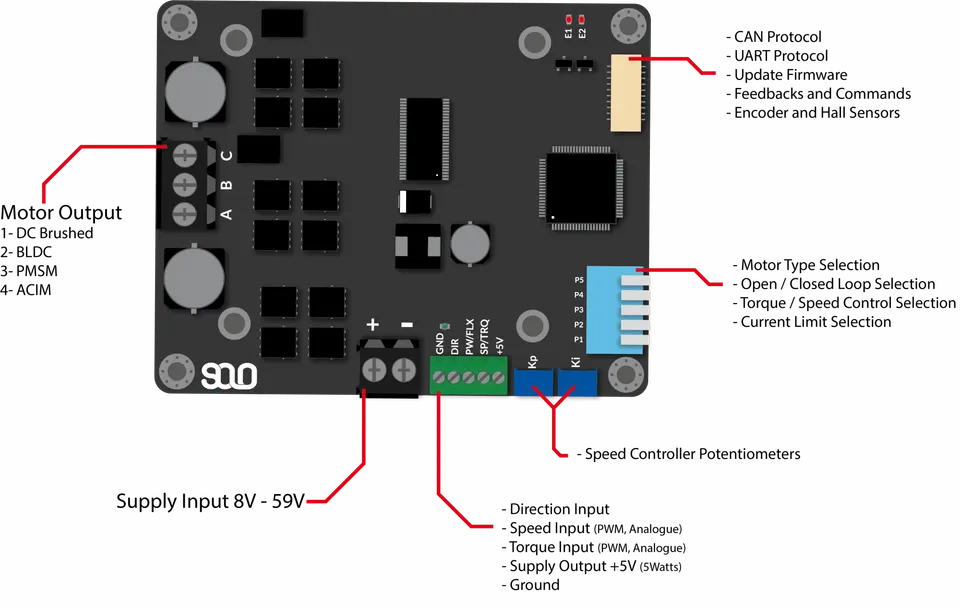
A feedback error means the controller cannot trust the position or speed it reads. With a wrong or noisy signal, closed-loop control breaks, and you see erratic motion or an immediate trip. Start with the basics: confirm the sensor type in Motion Terminal matches the hardware, encoder or Hall, and that the CPR (counts per revolution) value is right for your encoder. A wrong CPR alone can throw the loop off.
Next, check wiring. A swapped A and B channel, a loose ground, or an unshielded run near the motor cables all corrupt the feedback. Electrical noise on the encoder lines is a frequent and sneaky cause, because the motor runs fine at low speed and only faults under load. If you suspect noise, our guide on how to manage noisy encoders or Hall sensors walks through filtering and shielding step by step.
Takeaway: match the sensor type and CPR first, then chase wiring and noise.
Communication Errors (UART / CAN)
A communication error means Motion Terminal or your controller cannot exchange data cleanly over UART or CAN. On UART, the usual culprit is a baud rate mismatch or a swapped TX and RX line. Confirm both ends use the same baud, and that TX on one side reaches RX on the other. A shared ground between the host and the controller is required, and easy to forget.
On CAN, two things trip most setups. First, node ID and bitrate must match across every device on the bus. A single node at the wrong bitrate can disturb the whole network. Second, a CAN bus needs 120 ohm termination at both physical ends. Missing or extra termination causes random dropouts that look like a flaky controller. Check those two before you suspect the board.
Takeaway: for UART match baud and wiring, for CAN match ID and bitrate and terminate the bus at both ends.
Motor Does Not Spin
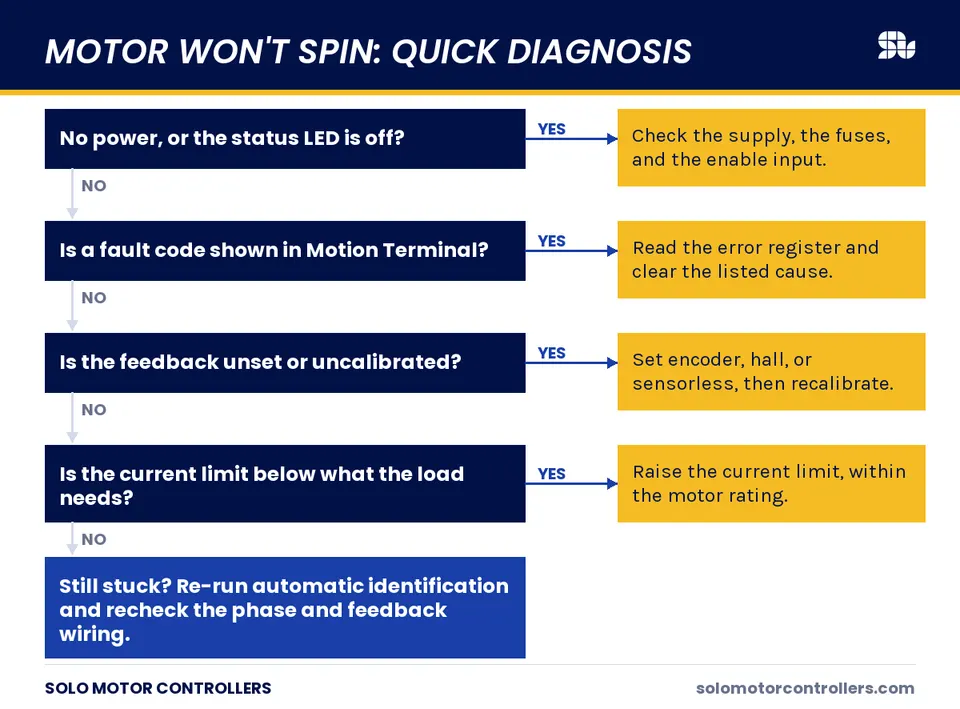
Sometimes there is no dramatic fault, the motor just sits still. Work through it in order. First, confirm the motor type is set correctly, DC, BLDC, PMSM, or AC induction. A wrong type leaves the controller driving the phases the wrong way. Second, check that identification ran and completed, since the controller needs the motor’s electrical parameters before it can drive in closed loop.
Third, confirm you are actually sending a setpoint. A command of zero speed or zero torque produces zero motion, which is correct behavior, not a fault. Finally, read the error register one more time. A silent over-temperature or feedback flag can hold the output disabled even when nothing looks wrong on the bench.
Takeaway: check motor type, identification, and your setpoint before assuming a hardware failure.
How to Reset Errors Safely
Clearing a fault does not fix it. The flag comes back the moment the same condition returns, and clearing it under load can be dangerous. Follow a fixed order so you never re-energize into a known problem.
- Read the error register and note the first flag that went high.
- Remove the cause: fix the wiring, lower the load, correct the parameter, let the unit cool.
- Reduce risk: make sure the shaft is clear and the setpoint is at zero.
- Clear the error in Motion Terminal, then confirm the register reads clean.
- Restart the motion gently and watch the live values for a few seconds.
If a flag refuses to clear, the condition is still present. An over-temperature flag will not clear while the unit is still hot. A feedback flag will not clear while the encoder is still miswired. Treat a stubborn flag as a signal, not a glitch.
Takeaway: fix first, clear second, restart gently. Never clear a fault to make it go away.
When to Contact Support
Most faults in this guide are setup issues you can fix at your bench. Contact support when the evidence points past configuration. Reach out if a flag returns immediately with correct wiring and parameters, if the board shows physical damage or smell, or if the same error follows the controller across two different motors and setups. That pattern suggests hardware, not config.
When you do, bring the details that save a round trip: the exact error from the register, your motor type and parameters, the wiring, and a short note on what you already tried. A clear report turns a long thread into a quick answer.
Takeaway: escalate when the fault survives correct wiring and parameters, and bring the register reading with you.
How SOLO Helps You Diagnose Faults
Motion Terminal is built to make faults readable instead of cryptic. It reads the error register for you and shows active faults in plain text, refreshed about every 300 ms, so you see a trip as it happens. You can watch live current, speed, and position on the same screen, which helps you tell a real overcurrent from a noise spike or a bad setpoint. The aim is simple: less guessing, faster fixes, fewer units sent back that were never broken. You can explore these tools in the SOLO Motion Terminal.
Conclusion
Reading SOLO faults comes down to a short routine. Read the error register first and trust the first flag, since later flags are often side effects. Map that flag to its usual cause: overcurrent to limits or a jam, over-temperature to load and cooling, feedback to sensor type and wiring, communication to baud, ID, and termination. Remove the cause before you clear anything, then restart gently and watch the live values. When a flag survives correct wiring and parameters, that is when hardware becomes likely. To work through your own faults with the register in front of you, open the SOLO Motion Terminal and read the status as you go.
FAQ
Why does my motor stop intermittently?
Intermittent stops usually trace to a protection that trips under load and then clears. The common ones are an overcurrent at a current limit set too low, or a feedback error from a noisy encoder that only fails at speed. Read the error register right after a stop to see which flag went high, then fix that cause rather than just clearing it.
How do I clear a fault in Motion Terminal?
First remove the cause, then clear. Read the register, fix the wiring, load, or parameter behind the first flag, make sure the shaft is clear and the setpoint is zero, then clear the error in Motion Terminal and confirm the register reads clean. If a flag will not clear, the condition is still present.
What does an overcurrent error usually mean?
It means the phase current crossed your set limit. The most common cause is a current limit set below what the motor needs to start under load, so raise it to the motor’s rated current. If the limit is already correct, check for a mechanical jam or wrong motor parameters from a skipped identification.
Related articles
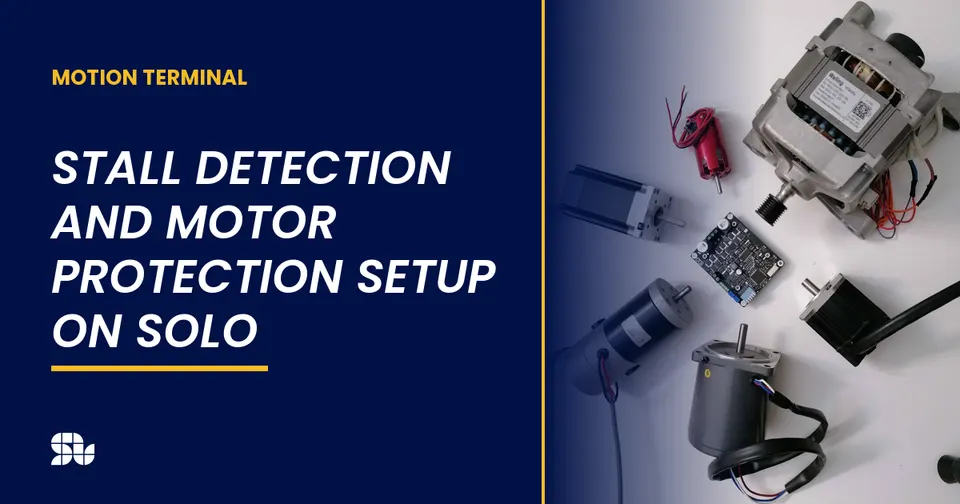
Stall Detection and Motor Protection Setup on SOLO
Set up stall detection and motor protection on SOLO: configure the stall time, current and fault response to protect your motor from a locked rotor.
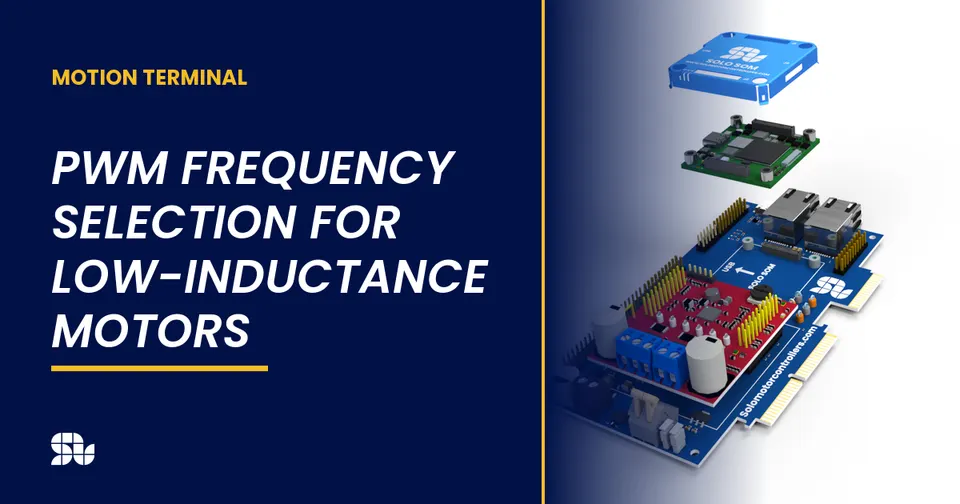
PWM Frequency Selection for Low-Inductance Motors
How to choose the PWM switching frequency on SOLO, why low-inductance motors need a higher frequency, and the trade-offs with heat and ripple.
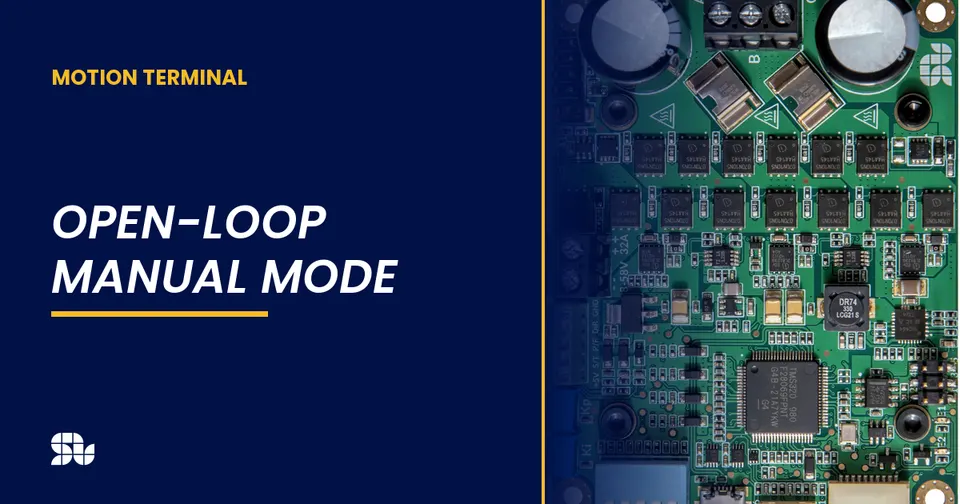
Open-Loop Manual Mode: Spinning a Motor with Potentiometers
How to spin a motor in open-loop manual mode on SOLO with potentiometers and no programming. When open loop is enough, and its limits.
